Your inbox, minus the noise
Some subreddits and some users just don't match what you're looking for. They keep showing up, you keep scrolling past them, and your inbox gets noisier every day.
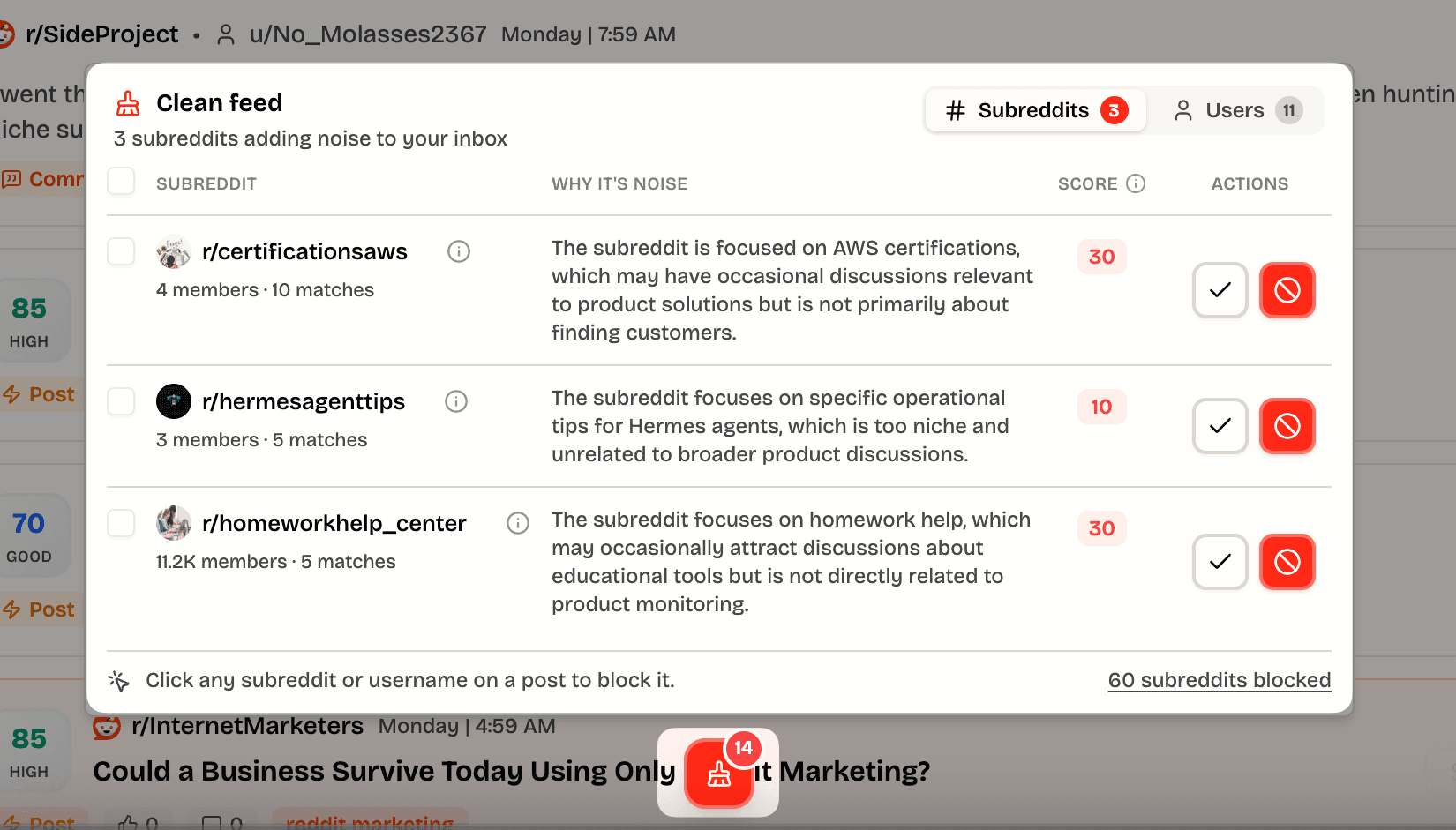
The new Clean feed dock fixes that. It sits at the bottom of your inbox and watches for the sources creating the most noise, so you can clear them out without digging through settings.
Why we don't just filter it for you
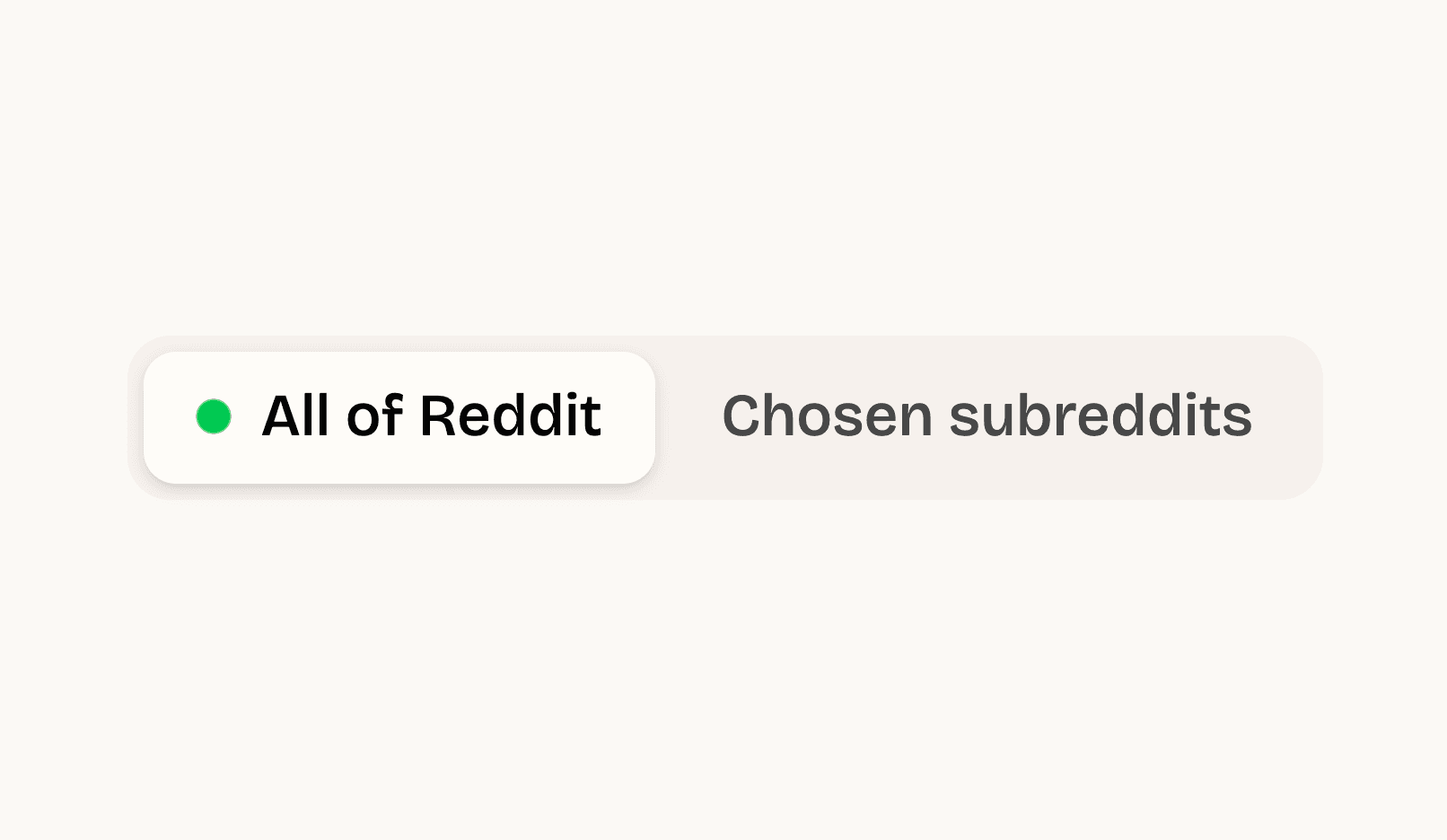
You might wonder why we don't strip this noise out automatically. It's a deliberate choice. We monitor all of Reddit, not a narrow slice of it, and we want to keep it that way. Casting a wide net means you never miss a conversation that matters, even from a subreddit you'd never have thought to watch.
The trade-off is that a wide net also catches things you don't want. Rather than quietly guess what to hide and risk dropping a real lead, we'd rather show you everything and hand you the controls. You know your business better than any filter we could write, so Clean feed puts that call in your hands.
How it works
Open the brush icon at the bottom of any inbox tab. You'll see two lists:
- Subreddits that keep matching your search but rarely contain real leads. We only surface ones with at least a few hits, so you're never blocking something that barely shows up.
- Authors posting repetitive or spammy content across your results.
For each one you get two choices:
- Block hides every post from that subreddit or user, instantly. No refetch, no reload.
- Keep tells us it's relevant, and we stop suggesting it.
Changed your mind? Everything you block lands in Settings → Exclusions, where you can undo it any time.
Why it matters
A cleaner feed means every post you see is worth your attention. Less scrolling, fewer false positives, and more time spent on the conversations that actually turn into customers.
Open your inbox and look for the brush icon at the bottom to try it.